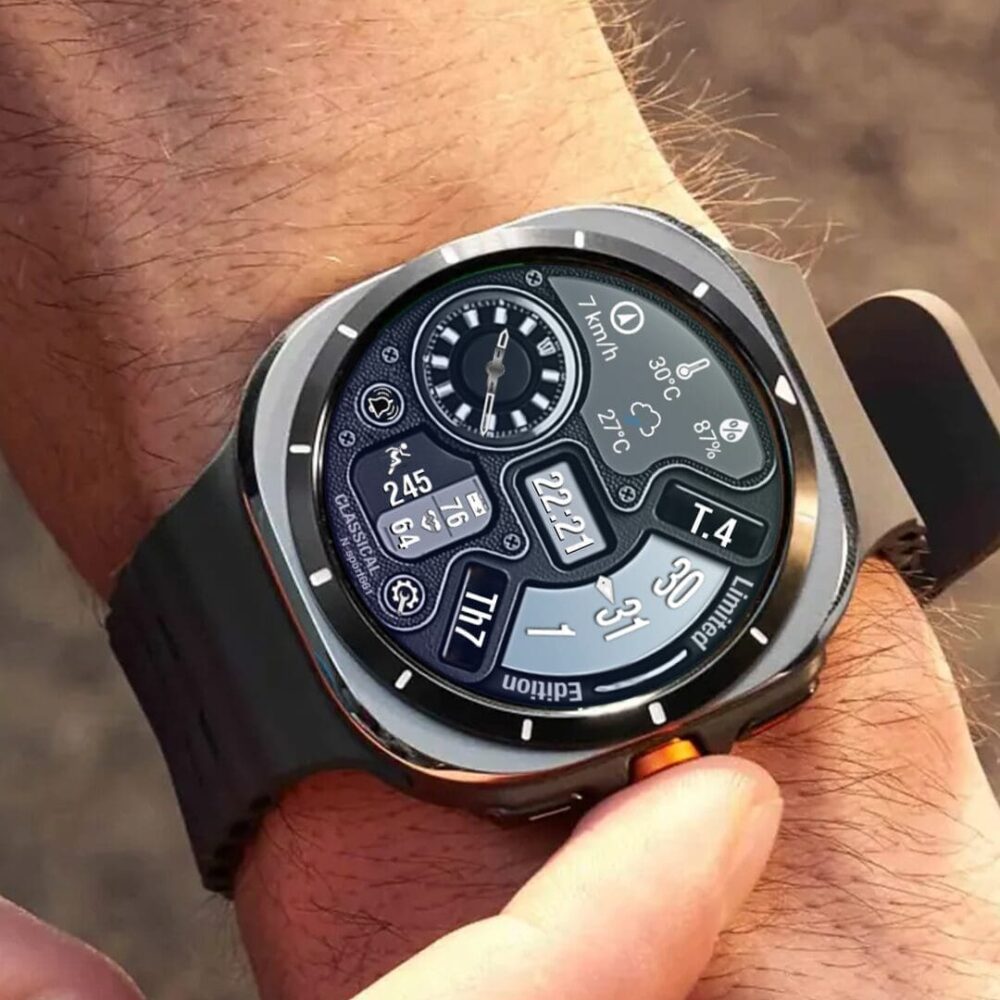
Complications: you can customize fields with any data you want.
For example, you can choose weather, steps, time zone, sunset/sunrise, barometer, next appointment, and more.
The watch face does not automatically measure heart rate results when installed.
To see your current heart rate data, you need to tap on the heart rate display area. Wait a few seconds. The watch face will take the measurement and display the current result.
The watch face can then automatically measure your heart rate every 10 minutes.
If you like this design, you should definitely check out my other creations.
https://play.google.com/store/apps/dev?id=6578051238103683379
♨️#TizenOS: https://galaxy.store/nsportss
Newsletter: https://spottt.wsrc1fgfrqbz4m.flashpanel.link
N-SPORT Watch face available on all TizenOs & WearOs platforms, designed by AnakaraKool!
Sign up to be updated with new watch faces and promotions!
https://www.facebook.com/N.Sport.SamsungWatchFaces
https://www.facebook.com/groups/n.sport.samsungwatchfaces
https://www.instagram.com/nsportwatchface
https://www.youtube.com/@NSPORTWATCHFACE
https://www.threads.net/@nsportwatchface
Upgrade your N-SPORT 299 experience. Claim your Free Coupons here: https://spottt.wsrc1fgfrqbz4m.flashpanel.link/promotion
| Analog | Analog |
|---|---|
| Digital Clock | Digital Clock |
| Custom Complication | Custom Complication |
| Battery % | Battery % |
| Step Count | Step Count |
| Heart Rate | Heart Rate |
| Weather | Weather |
![[N-SPORT650] Moonphase Watch6 samsung N-SPORT Watch Face - N-SPORT WATCH FACE](https://spottt.wsrc1fgfrqbz4m.flashpanel.link/wp-content/uploads/2024/09/3453453534-copy-20-1000x1000.jpg)
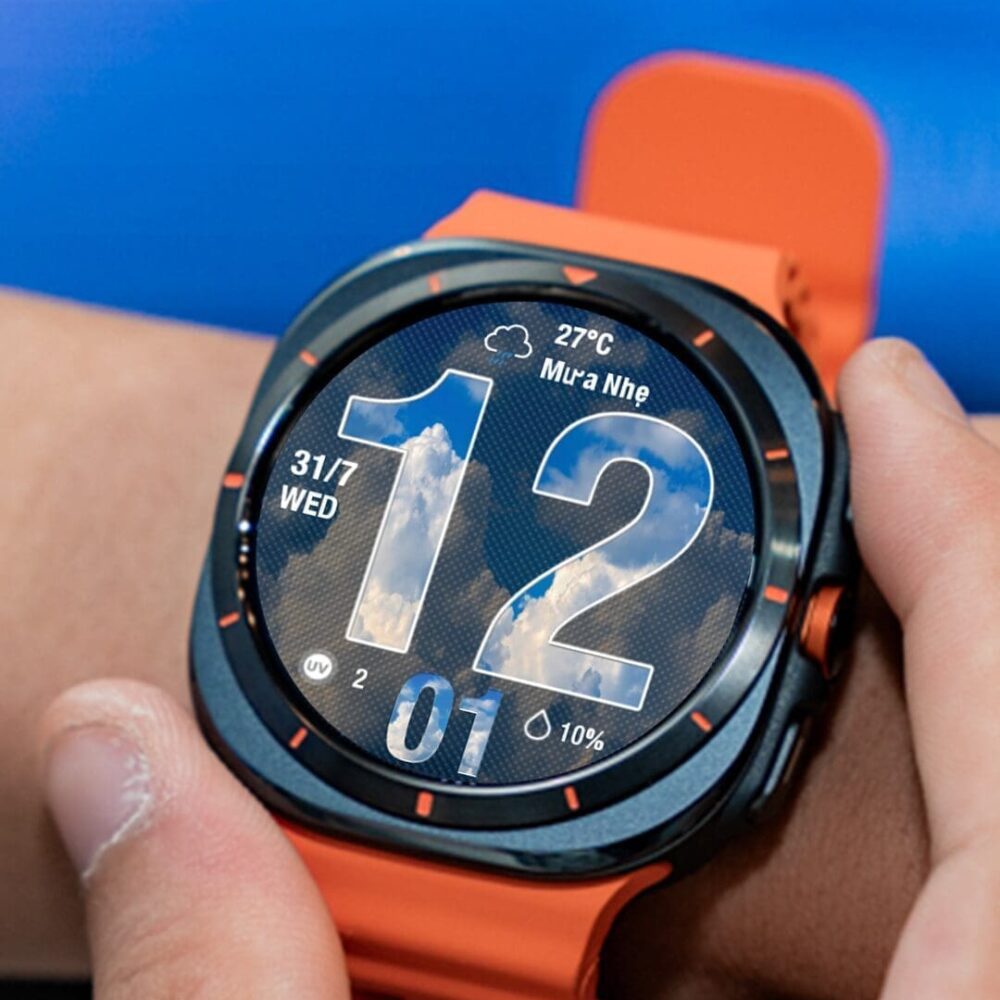
![[N-SPORT403]Black Hybird N-SPORT Watch Face samsung - N-SPORT WATCH FACE](https://spottt.wsrc1fgfrqbz4m.flashpanel.link/wp-content/uploads/2024/09/54654645645645-copy-9-1000x1000.jpg)